
How To Guides
Our How To Guides are here to help NDIS participants and providers better understand the practical side of Plan Management.
-
As your Plan Manager, we handle your invoices and make sure your supports are claimed correctly—so you can stress less!
To do this, we need a copy of your current NDIS plan. Here’s how to download it from the MyPlace Participant Portal via MyGov.
-
Step 1 – Access the Portal
Log in to your myGov account at my.gov.au.
If you don’t have one, you’ll need to create an account first.
Once logged in, select 'National Disability Insurance Scheme' under your Linked Services and then click 'Go to Service.'
Step 2 – Choose the Right Profile
In the top-right corner, you'll see a drop-down menu labelled 'Acting as.'
· If you’re the participant, select ‘myself.’
· If you're a nominee, choose the name of the participant.
Step 3 – Go to Your Plan
Click on the 'My Plan' tile. You’ll then see options like:
View My Plan
My Helpful Documents
My Support Budget
My Referrals
My Funding Report
Step 4 – Download Your Plan
Click 'View My Plan.'
Then select Print this plan to PDF on the top right corner of the screen.
If you’ve had more than one plan, you can pick the date of the version you need from the drop-down menu.
Your plan will download and open in a new tab or window as a PDF.
-
Keeping track of your NDIS funding is easier when you download your monthly statement. It gives you a clear snapshot of what you’ve spent, what’s left, and helps you stay on top of your budgets.
-
Step 1 – Log into your Brevity Portal: https://mobileweb.brevity.com.au/
Step 2 – Click on Monthly Statements
Step 3 – Click on the Month, it will drop down and you can select which statement you want to view.
Step 4 – Hit view report
You’re all set to go!
-
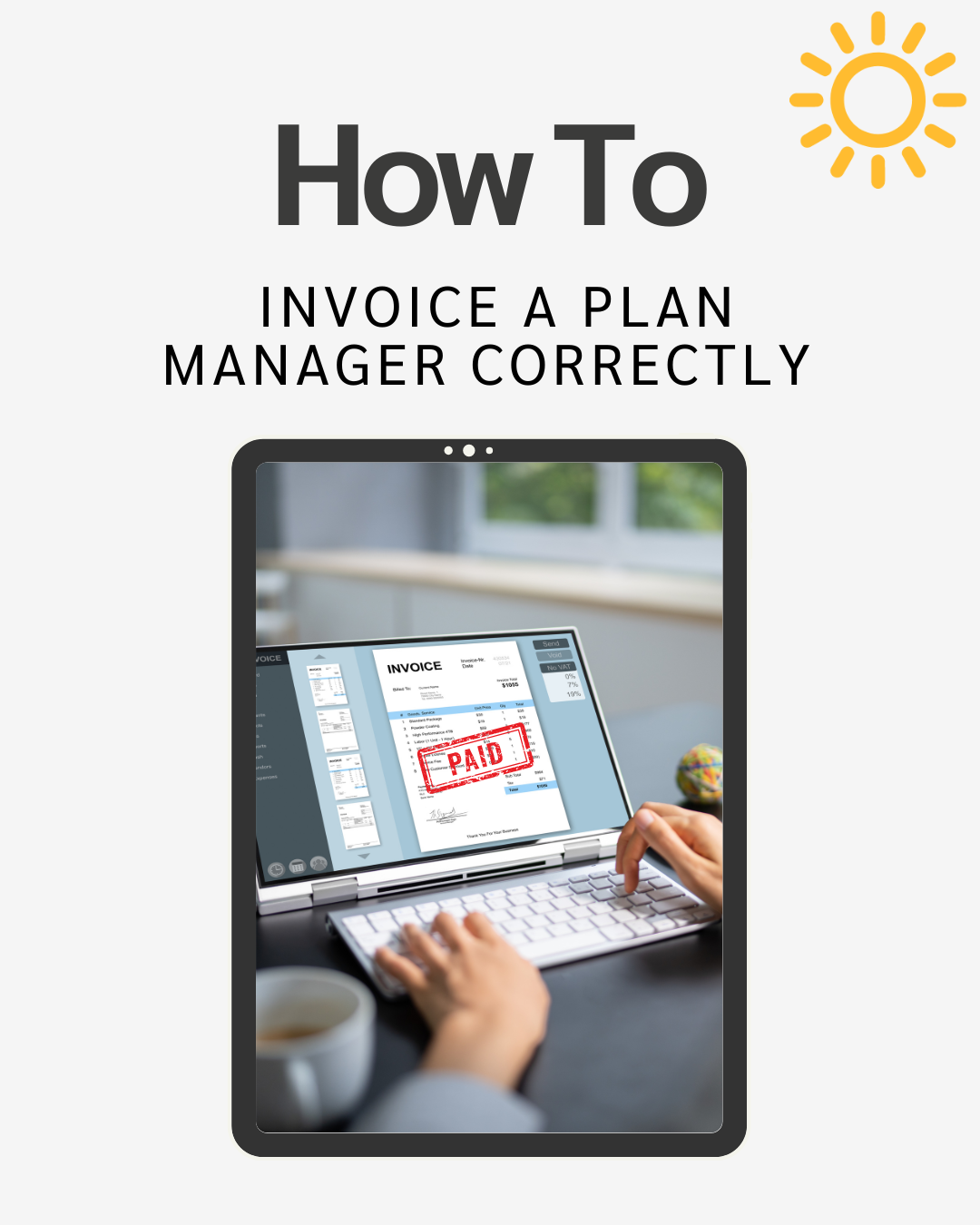
NDIS invoices have specific requirements, and missing details can delay payments.
One of the main reasons payments get delayed is because invoices aren’t prepared correctly as NDIS invoices have specific requirements that must be included.
-
1. Your Business Name & Logo
2. Your Contact Information
3. Your ABN (Australian Business Number)
4. Date of Invoice (when issued)
5. Unique Numbering of Invoices Issued
6. The Participant’s Contact Information
7. The Participant’s Reference Number/NDIS Number
8. Support Item Number and/or Description of Support with Service Delivery Dates/Times
9. Quantity of Services Provided in Hours
10. Pricing Unit/Rate
11. Total Invoice Amount
-
-
When you first receive your NDIS plan, it can be tricky to understand how your funding is set up - especially when it comes to Stated and Flexible budgets.
Knowing the difference is key to making the most of your supports and achieving your goals.
-
A stated budget is funding that has been specifically allocated for a particular support or service. You cam only use this funding for the item listed in your plan - its not interchangeable with other support categories.
Example: If your plan lists Plan Management as a stated service, that funding must got to Plan Management services only.
-
A flexible budget gives you more freedom in how to use your funds within a support category. This means you can use your flexible funds to purchase the kinds of supports that will best help you work towards your goals or meet your needs.
Example: If you have $1,000 in Capacity Building, you might choose to: Spend some on therapy sessions, use some for a course or training, invest in a skill-building program.
-
Not sure how to get Plan Management added to your NDIS plan? It’s easier than you might think
Whether you’re preparing for a planning meeting or already mid-plan, there are simple steps you can take to request Plan Management — and it usually doesn’t require a full plan review. -
1. During Your planning Meeting:
Let your NDIA Planner or Local Area Coordinator (LAC) know that you’d like plan management included in your plan.
2. If You’re Mid-Plan:
You can contact the NDIA on 1800 800 110 to request a “light touch” or “desktop” review to have plan management added.
You can also call your LAC to make the same request.
💡 This review is usually done over the phone and is much quicker than a full plan review — it doesn’t involve a reassessment of your goals or needs.
-
Regularly checking your NDIS budget helps you stay on track throughout your plan period. It allows you to monitor your spending, make the most of your supports, work towards your goals, and avoid running out of funds before your plan ends — while also ensuring you’re well prepared for future plan reviews.
-
Step 1 – Log into your Brevity Portal: https://mobileweb.brevity.com.au/
Step 2 – On the home page you can see your monthly budget stated

-
Understanding the four key support roles you’ll encounter throughout your NDIS journey can make a big difference. Knowing what each role does, when to engage them, and who to contact at the right time can help you get the most out of your plan and work towards your goals with confidence.
-
LAC (Local Area Coordinator): Helps you understand the NDIS, connects you to local supports, and assists with planning.
Support Coordinator: Helps you use your NDIS plan effectively, find services, and coordinate supports.
NDIA Planner: Sets up your plan and decides what supports are included.
Plan Manager: Manages your funding, pays providers, and keeps your finances organised.
-
Need help understanding your plan? → LAC
Need help choosing and managing services? → Support Coordinator
Need your plan approved? → NDIA Planner
Need help paying providers? → Plan Manager